
The gift of Chick-fil-A®
Make their day with the gift of Chick-fil-A®. Choose from our selection of eGift cards, or visit your nearest restaurant to get a physical gift card for friends and family. Have a lot of love to give? Place an order for bulk gift cards below.

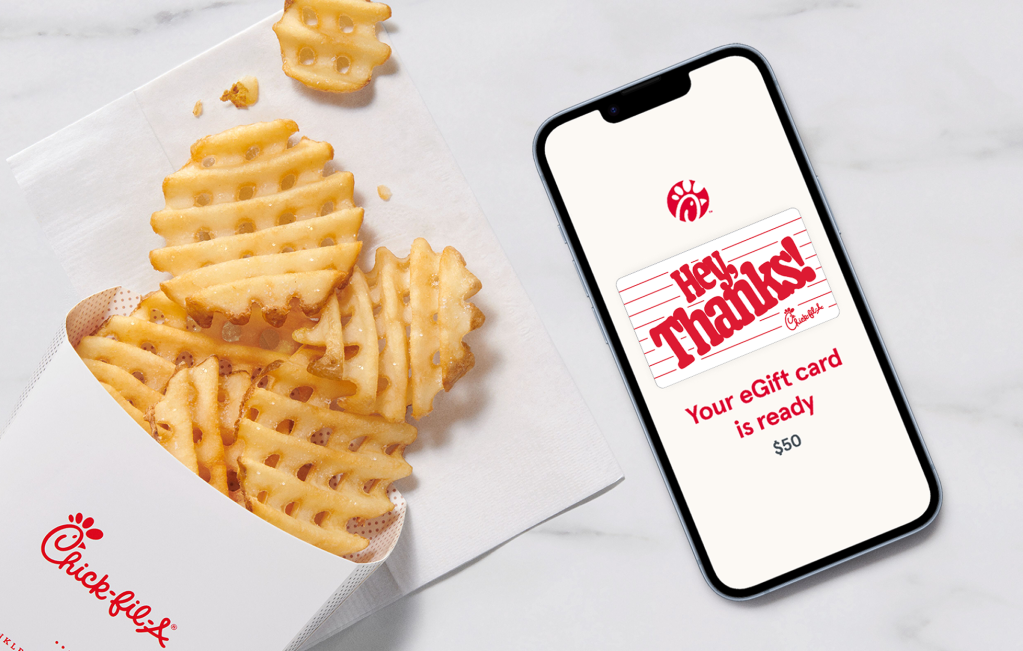
Chick-fil-A eGift Cards
A little yum for everyone
Chick-fil-A eGift cards are just as easy to give as they are to receive. Order online or in the app and choose an amount from $5-$100 to deliver some deliciousness right to their inbox.
Transfer an eGift card to your app
View your eGift Card
Once you get an email or mobile phone notification, click or tap the “View your eGift Card now” button.
Open your app
Open the Chick-fil-A App®, or download the app and create a Chick-fil-A One® account to get started.
Transfer funds
Select “scan,” tap “Add Funds,” choose “Transfer a gift card” and enjoy. The balance is now only on the Chick-fil-A One Digital Gift Card in the app.
Physical gift cards
Want something a little more tangible? Visit almost any Chick-fil-A® restaurant and pick up a physical gift card, available in any dollar amount between $5 and $100.
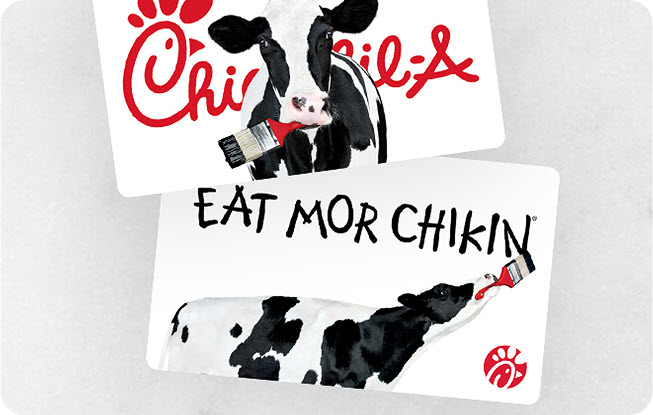

Bulk gift cards
Looking to purchase a large amount of physical or egift cards? Our bulk ordering site makes it a breeze for businesses, churches, schools and organizations to purchase all the cards they need. A $100 order minimum is required.
Need to check your gift card balance?
To check the balance of a physical or eGift card, call the Gift Card Customer Support automated system at 1-888-232-1864 or visit any participating Chick-fil-A restaurant.
When the balance of a Chick-fil-A physical or eGift card is successfully transferred onto the Chick-fil-A App, the card balance is only accessible through the Chick-fil-A One Digital Gift Card on the Chick-fil-A App and the balance no longer exists on the original physical or eGift card.
- If checking on the app, open the Chick-fil-A App and select Scan at the bottom of the home screen. Your Chick-fil-A One Digital Gift Card current balance will be displayed under the QR code.
- If checking online, sign in to your Chick-fil-A One Account, click on Account in the top right corner of the screen, select Payments and Subscriptions, and then Manage payment methods. Your current Chick-fil-A One Digital Gift Card balance will be displayed.
- When the balance of a Chick-fil-A physical or eGift card is successfully transferred onto the Chick-fil-A App, the card balance is only accessible through the Chick-fil-A One Digital Gift Card on the Chick-fil-A App and the balance no longer exists on the original physical or eGift card.
More questions about gift cards?
Learn how to check your gift card balance and manage your payment methods